Welcome to Dragonic 2
Dragonic 2 X100
This is the most stable collection of the best chronicles!
The best client you've ever seen!
Exclusive graphics of the future now!
New animation of old skills, stylish and youthful!
Only classics, only hardcore! No extras, nothing superfluous!
Unique, well-designed, high-quality interface!
Cool NPCs and Mobs you deserve!
 sp / xp
x100
sp / xp
x100
 Adena
x30
Adena
x30
 Drop
x15
Drop
x15
 Spoil
x7
Spoil
x7
 Raid Boss
x3
Raid Boss
x3
 Epic boss
x3
Epic boss
x3
The best client you've ever seen!
Exclusive graphics of the future now!
New animation of old skills, stylish and youthful!
Only classics, only hardcore! No extras, nothing superfluous!
Unique, well-designed, high-quality interface!
Cool NPCs and Mobs you deserve!
sp / xp
x100
Adena
x30
Drop
x15
Spoil
x7
Raid Boss
x3
Epic boss
x3
Follow Steps

Client
How to install the game: Step 1: Extract the contents of Client.zip. Step 2: After extraction, open the folder Lineage II High Five Installer. Step 3: Run setup.exe. Step 4: In the installer, choose the CUSTOM installation option to select your preferred installation path. Make sure to uncheck all shortcut options. Step 5: Once installation is complete, uncheck both “Launch Lineage II” and “Visit the Lineage II website”, then click Finish.

Patcher
How to patch the game: Step 1: Extract the contents of Patcher.zip then open the Patcher folder and copy L2Updater.exe. Step 2: Navigate to your game installation directory (e.g. F:\NCsoft\Lineage II\) and delete the following files: lineage2.ico, Lineagell.exe, Lineagell.new, patchw32.dll. Step 3: Go to (e.g. F:\NCsoft\Lineage II\system\), delete all files inside, and paste L2Updater.exe there, then Open the Patcher\Login Screen folder and copy files maps, music, sounds, staticmeshes, SysTextures, textures, then navigate to your game installation directory (e.g. F:\NCsoft\Lineage II\) and paste the following files: maps, music, sounds, staticmeshes, SysTextures, textures there. Step 4: Run L2Updater.exe. Step 5: Click the Full Check button and wait until the patching process is complete, (if not started automatically). Step 6: Click the START button to test if the game launches correctly, once the game open, exit using the in-game Exit button to exit the game. Step 7: Create a desktop shortcut for L2Updater.exe and rename it to Dragonic 2. Step 8: Run Dragonic 2. Step 9: After launching, press Full Check again, followed by the START button. Step 10: Create your ID & PASSWORD, connect to the DRAGONIC 2 server, create your character, and enjoy the game!
Streams
Project streams
Download
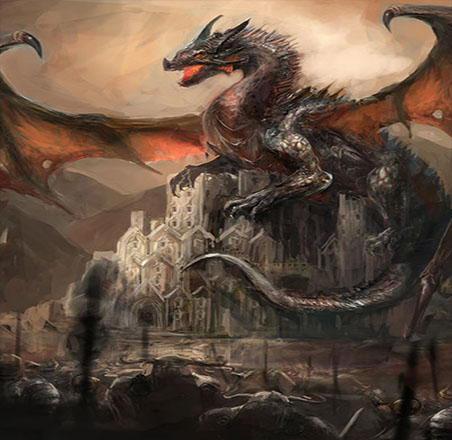
Unleash your revenge upon mankind as you turn and look towards the human cities, only to see a great pillar of flame hit their cathedrals, the ensuing shockwave and flamewall erasing all signs of their kingdoms' existence.

Dragonic 2
System Requierments Operating System: Windows® XP/Vista/7/8.1/10/11 Processor: Intel® Core(TM) i3-4130 3.4 GHz or equivalent Memory: 4 GB of RAM DDR2 or more HDD: 10GB free hard disk space or higher Graphics: NVIDIA® GTX 745 or ATI™ x800 or better video card Internet Connection: Broadband Internet connection
The Insights of Darkness
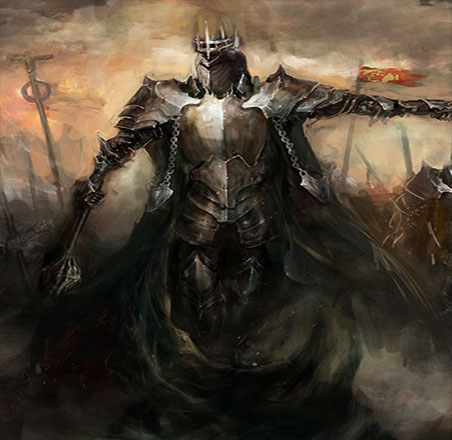
When people comment on EspadaWorld's difficulty, I always reply 'The armor of a true knight, is not shiny - only battle worn'.
Alin Costea, Lead Developer
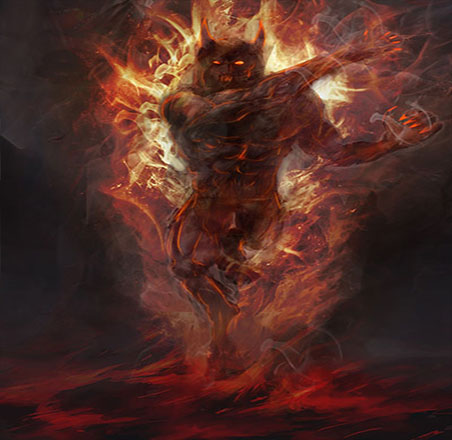
There is nothing - literally - nothing more satisfying for a VFX artist to see his work giving life to a luscious 3D environment.
Alin Costea, Senior VFX Artist
People ask me why I work such long hours and I find myself quoting the same thing - I simply adore making games.
Alin Costea, Lead Game Designer
Summon us
Whether your mind echoes with questions, or your soul seeks for answers untold, stay awhile and write us down your request. If a bug is what bothers you, it shall be purged into eternity via your precious feedback. If a career in warmonging is what you long for, indulge us with a first handshake and be welcome to visit us in our den, hidden deep within Constanta, Romania, where the legends of sea and fire converge. By all means, if you wish to present us with a review only a true Master gamer would, enlighten us so we may bask in its light.
By all means, contact us. We are always listening...
About Server
This project is entirely free to play and does not offer paid items, premium access, or monetized content, but if you’d like to support our work and help us keep the server alive, you can donate 10€ via PayPal, your contribution helps us cover hosting and development costs.
We are not affiliated with NCSoft, and we do not claim ownership of the original Lineage II intellectual property. All rights to the original game, assets, and trademarks belong to NCSoft Corporation.
Our goal is to celebrate the legacy of Lineage II through cinematic presentation, custom branding, and a respectful tribute to the community that grew around it. Dragonic 2 is built from scratch with an original visual identity, and all modifications are made with care to preserve the spirit of the game while maintaining legal clarity.
If NCSoft or any rights holder wishes to contact us regarding this project, we are open to respectful dialogue and will comply with any formal requests. You can reach us at:
nestlejoe30@gmail.com